


S & E Connections · Auckland CCTV guide
How much does CCTV installation cost in Auckland in 2026?
Four cameras sound straightforward until you start comparing quotes. Here’s how to tell what you’re actually getting, what you should expect to pay, and which questions are worth asking before anyone starts drilling holes.
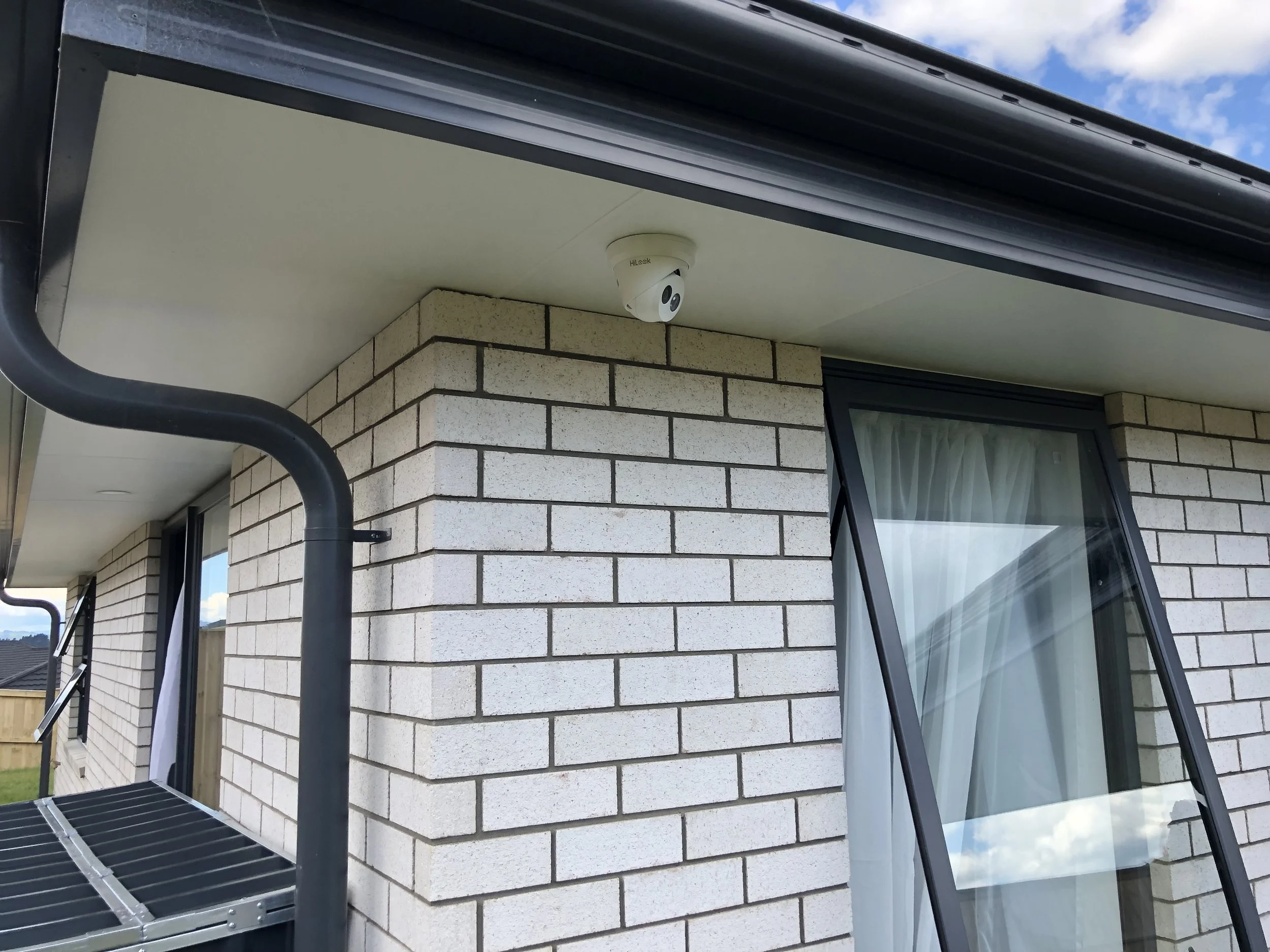
CCTV installation prices in Auckland: where do you start?
If you search for CCTV installation costs in Auckland, you’ll find wildly different figures. Some refer to cameras purchased online. Others include the recorder, hard drive, cables, labour and phone setup. It’s easy to compare two prices that aren't quoting the same job.
For most homeowners, the useful starting point is a fully explained four-camera package. That typically gives you enough positions to consider the driveway, front entrance, side access and back of the property. A small townhouse might need less; a larger home with detached buildings could need more.
| System | Usually worth discussing for | S & E pricing |
|---|---|---|
| 1–2 cameras | A front entry, a small unit or one specific area of concern. | Quoted to the site and equipment. |
| 4 cameras | Driveway, front entry, side approach and rear entry on a typical home, subject to the layout. | Four-camera offer from $1,599 + GST, subject to confirmation. |
| 6–8 cameras | Long driveways, double-storey homes, multiple doors or more outdoor zones. | Tailored quote after discussing coverage. |
| Business CCTV | Shop entrances, stockrooms, tills, workshops, yards and offices. | Site-specific quote, including recording needs. |
Scroll the table sideways to see the full comparison.
Don't assume a more expensive package is automatically better. Ask which entrance each camera will cover and whether the footage is clear enough at the distance you need.
A starting point for Auckland homes
Our four-camera CCTV package
Four 5MP TP-Link security cameras with recorder-based surveillance, quoted for the layout and access at your property.
Tell us which doors, driveway or side passages you want covered. We’ll explain the positioning, recording capacity and what's included in the installation quote.
This starting price is subject to offer availability and written confirmation. Final cost and inclusions may change with access, extra cabling, mounting requirements, equipment selected or additional cameras. Ask for a written GST-inclusive quote before booking. Do not rely on a package description to assume every property qualifies.
What changes the cost of a CCTV installation?
It’s often the house, not the camera, that explains the gap between quotes. A clear roof space and short cable run are different from trying to reach the far side of a two-storey home with limited access.
- Cabling and access: roof cavities, exterior conduit, double-storey walls and long cable runs take different amounts of work.
- Camera positions: a high mounting point may give a wider view but not the useful detail you expected. Extra cameras can sometimes be avoided with better placement.
- Picture quality at night: infrared, ambient lighting, glare and the distance to the subject matter—not just megapixels.
- Recording equipment: the type of recorder, its capacity and whether you need continuous recording, scheduled recording or event clips.
- Additional work: extra cameras, larger storage, alarms, specialised mounting or integration with existing equipment should be itemised.
Ask about GST too. If one quote shows a price excluding GST and another includes it, you don't yet have a proper comparison.
How many CCTV cameras do you actually need at home?
Start with what you’re worried about, not the number on a package. Do parcels go missing from the front door? Do you want to see cars entering the driveway? Is the side gate hidden from the street? Those answers tell you more than the floor area of your house.
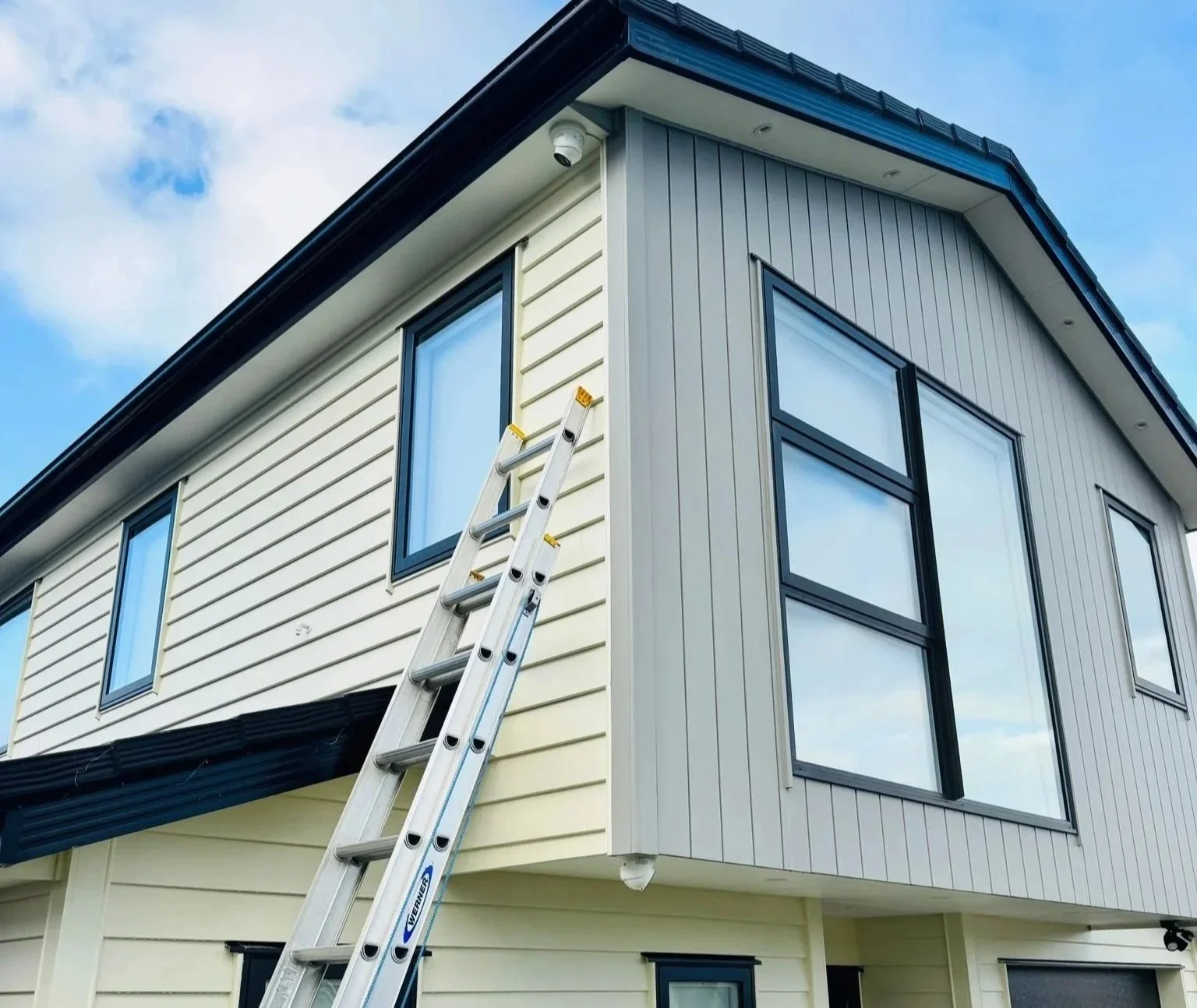
For a typical home, discuss these four views
- Front entrance: people approaching the door and deliveries.
- Driveway: cars coming and going, with the correct angle for useful detail.
- Side access: gates or narrow passages that aren’t visible from the street.
- Rear entrance: patio doors, back steps or the route to a shed.
That’s a starting plan, not a guarantee that four cameras will suit every house. On a narrow townhouse, two well-placed cameras might do more useful work than four badly positioned ones.
At the free home CCTV consultation, show the installer the parts of your property you care about. You should come away understanding what each camera will see, not just what brand is being installed.
Wired or wireless CCTV: which is better for an Auckland home?
People often ask for “wireless” because they don't want cables showing. Fair enough. But wireless describes how video gets transmitted, not necessarily how the camera is powered.
Wired CCTV (including PoE)
A network cable can carry both power and video to a compatible PoE camera. A suitable recorder keeps the footage on site. It takes more planning to install, but for permanent house coverage it avoids relying on Wi-Fi signal strength at each camera.
Wi-Fi or battery cameras
They can be practical when running cables is difficult. The trade-off depends on the model: signal strength, batteries, subscription services and whether you get continuous recording or only event clips. “Wireless” does not automatically mean no cables or 24-hour recording.
Is 5MP CCTV good enough, or should you pay for 4K?
For most people, the real question is whether they'll be able to tell what happened. A sharp-looking camera feed on a phone isn't necessarily useful if a face is tiny at the far end of the driveway.
5MP and 4K are not the same specification. Typical UHD 4K video has about 8.3 million pixels, while a 5MP camera has roughly 5 million. But resolution alone doesn't determine whether you can identify a person, read a number plate or see clearly after dark.
The field of view, mounting height, image sensor, lighting and recording settings all affect the result. A wide-angle camera can show more of the driveway but may capture less detail about someone standing at the letterbox. At night, a bright porch light or reflective surface can also change the picture.
Ask to see the sort of footage the proposed camera produces at night and at the distance you care about, not just a daytime demonstration on a product box.
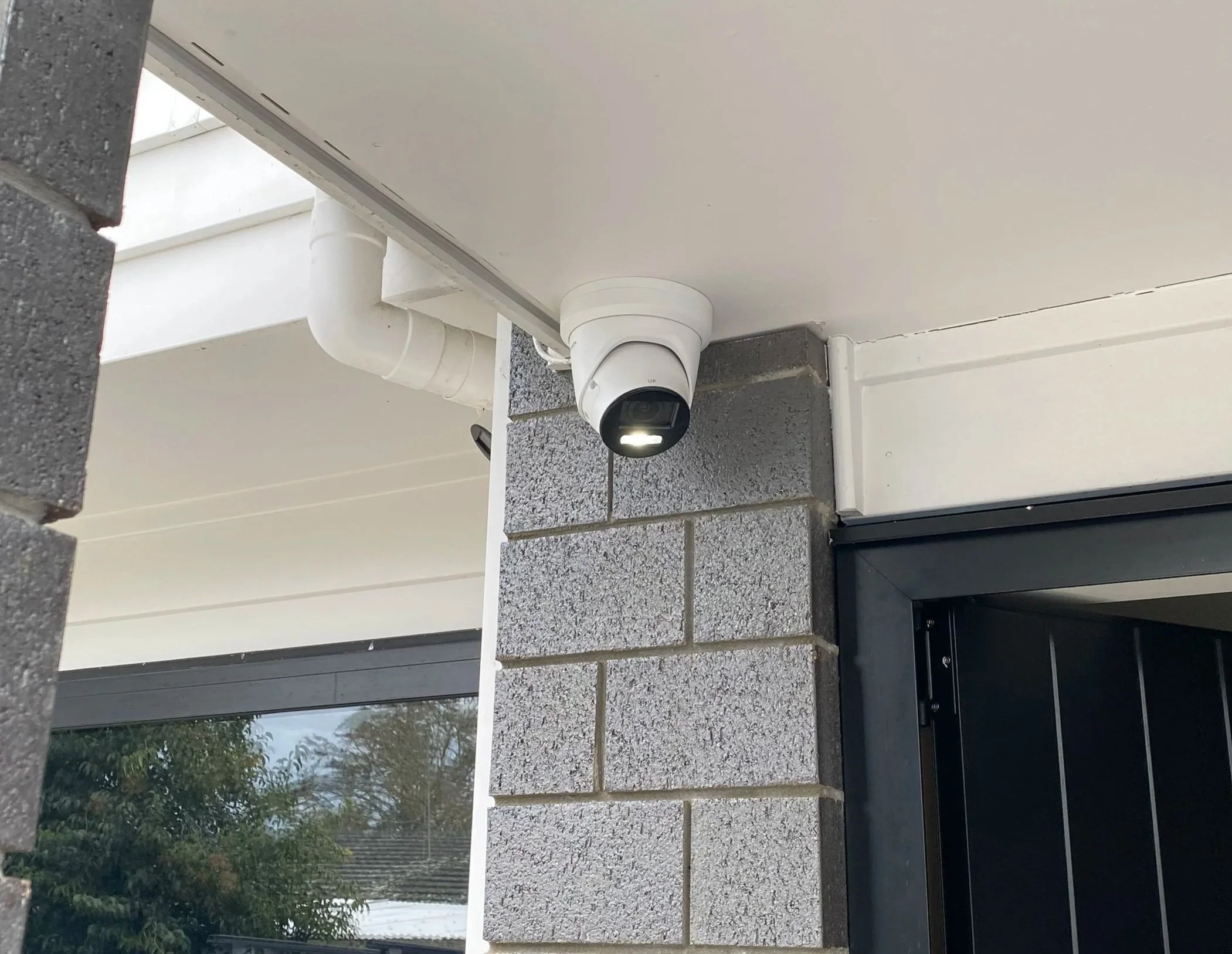
What's included when you pay for professional CCTV installation?
A quote needs to cover more than “four cameras”. Here's what to have in writing so there are no awkward surprises on installation day.
- Cameras: brand, exact model, resolution, outdoor rating and number of units.
- Recording: recorder model, hard-drive capacity, recording mode and an estimate of how long footage will be retained using your selected settings.
- Labour: mounting, cabling, routing and any conduit or additional equipment needed.
- Phone setup: live view, playback, alerts and how to export footage when necessary.
- Handover: test that each camera has the right view and that you know how to retrieve recordings.
- Support: product warranties, workmanship cover, future upgrades and any optional ongoing fees.
S & E Connections offers free onsite CCTV consultations and quotes. Tell us if you have a new build, an existing house with limited roof access, or a system you're replacing. That lets us talk about the actual work instead of guessing from the number of bedrooms.
Will CCTV record all day? And do you have to pay a subscription?
A recorder-based CCTV system can be configured for continuous recording or event-triggered clips, depending on the hardware and settings. Some cloud-first or battery systems work differently. Make sure you're comparing the recording you need, not just the camera resolution.
With local storage, a monthly cloud subscription isn't necessarily required to keep recordings on the recorder. Optional cloud backup, remote services or monitoring can have their own charges, so ask what is free and what isn't.
How long will the footage stay there? There is no fixed answer for a 1TB or 2TB hard drive. The number of cameras, bitrate, resolution, frame rate, compression and recording schedule all matter. Ask the installer for a retention estimate for your configuration and remember older footage may eventually be overwritten.
What changes when you're installing CCTV at a business?
A shop or warehouse needs a different conversation from a family home. Do you need a view of deliveries, the back door, the loading area or high-value stock? Who needs access to recordings? How long should relevant footage be kept? Could a fixed camera do the job without filming unrelated areas?
For shops, offices, workshops, warehouses and other commercial premises, S & E Connections provides commercial CCTV installation. The final quote depends on coverage, networking, storage and site access. We can also discuss alarm systems where you want detection as well as recorded video.
Keep in mind that cameras and alarms do different jobs. CCTV can help you see or review what happened; an alarm is intended to alert you to a trigger. Neither is a guarantee that a break-in will be prevented.
Can you legally install CCTV outside your house in New Zealand?
Home security cameras are generally permitted, but where they point and how footage is used still matter. Keep cameras focused on the areas you actually need to protect and avoid unnecessarily filming your neighbour's private spaces.
For businesses, privacy responsibilities are more demanding. The Office of the Privacy Commissioner explains that organisations should have a clear reason for collecting footage, usually tell people about the recording, and avoid collecting more information than necessary. Recording sound can raise additional privacy concerns.
If you manage a workplace, rental or shared property, explain your intended use to the installer and get advice appropriate to that setting. Cameras should be planned with privacy in mind from day one.
How to get a useful CCTV quote without a long back-and-forth
You don't need to know the difference between an NVR and DVR before enquiring. We can work through the equipment. Start by telling us what you want to see.
- Tell us the location and property type. Is it a single-storey home, two-storey home, townhouse, shop or warehouse?
- Show the areas that worry you. The driveway, front door, side gate, garage, stockroom or deliveries area. Ground-level photos are helpful; please don't climb onto the roof.
- Say what you need the footage to do. Live phone viewing, night-time detail, continuous recording, motion alerts or saving clips after an incident.
- Ask for a written total. Confirm the camera models, recorder, storage, installation scope, GST, warranty and any optional ongoing charges.
We help customers across Auckland, including South Auckland, East Auckland, Central Auckland, West Auckland and the North Shore. The same team also advertises services in Hamilton and Whangārei; this particular guide focuses on Auckland quotes.
Questions Auckland customers ask before getting CCTV installed
How much does it cost to install four security cameras in Auckland?
S & E Connections’ four-camera offer is priced from $1,599 + GST, subject to current availability and installation conditions. A different property, brand, camera specification or cable route can change the price. Ask for the full GST-inclusive installed quote.
How long does a CCTV installation take?
It depends on the number of cameras, height, cabling access and existing infrastructure. A straightforward house is different from a multi-storey site with difficult cable runs. We can discuss timing after seeing the property and proposed camera positions.
Can I see my CCTV cameras on my phone when I'm overseas?
Yes, remote viewing is available on the systems we specify for that purpose when the recorder and phone have suitable internet connections and access has been set up securely. We'll show you how to view and replay the footage through the compatible app.
Do CCTV cameras still work if the Wi-Fi goes down?
A properly configured, powered wired system with local recording may continue to record without home internet, although remote viewing and notifications may stop until connectivity returns. Wi-Fi-dependent cameras may behave differently. Check the exact model before buying.
Will CCTV cameras record if the power goes out?
Ordinarily, cameras and recorders need power. A compatible backup power supply (UPS), correctly sized and installed, may allow a system to run for a limited time during an outage. Ask about that option if power cuts are a concern.
Do I need to pay monthly for home CCTV?
Not necessarily. Many recorder-based systems store footage locally without a compulsory cloud storage subscription. Optional cloud services, monitoring or finance arrangements can involve charges. We can explain the ongoing costs of the particular setup quoted.
How many days will a CCTV recorder keep footage?
That depends on camera count, recording resolution, bitrate, compression, hard-drive size and whether recording is continuous or event-based. Rather than promising a fixed number of days for a particular drive size, we recommend checking an estimate for your chosen settings.
Are four cameras enough for a three-bedroom house?
Often four camera positions are a reasonable place to start, but the number of bedrooms doesn't tell the whole story. A driveway, rear entrance, detached garage or narrow side passage can change the plan. We look at entry points and sightlines first.
Should I choose CCTV cameras or a burglar alarm?
They serve different purposes. Cameras let you see and review activity; alarms are designed to detect a trigger and alert people. Some homes benefit from both. If you already have an alarm, ask us whether your CCTV should work alongside it.
Can I install outdoor CCTV facing the street or my neighbour's property?
Cameras should be aimed at a genuine security need while respecting other people's privacy. Rules differ between personal household recording and use by an organisation. Check the Office of the Privacy Commissioner's guidance if your proposed view could be intrusive.
S & E Connections · Auckland
Tell us what you want your cameras to see.
No need to pick the camera model first. Tell us about the property and the areas you'd like covered. We'll discuss suitable equipment and give you a free, no-obligation quote so you know what you're paying for.